
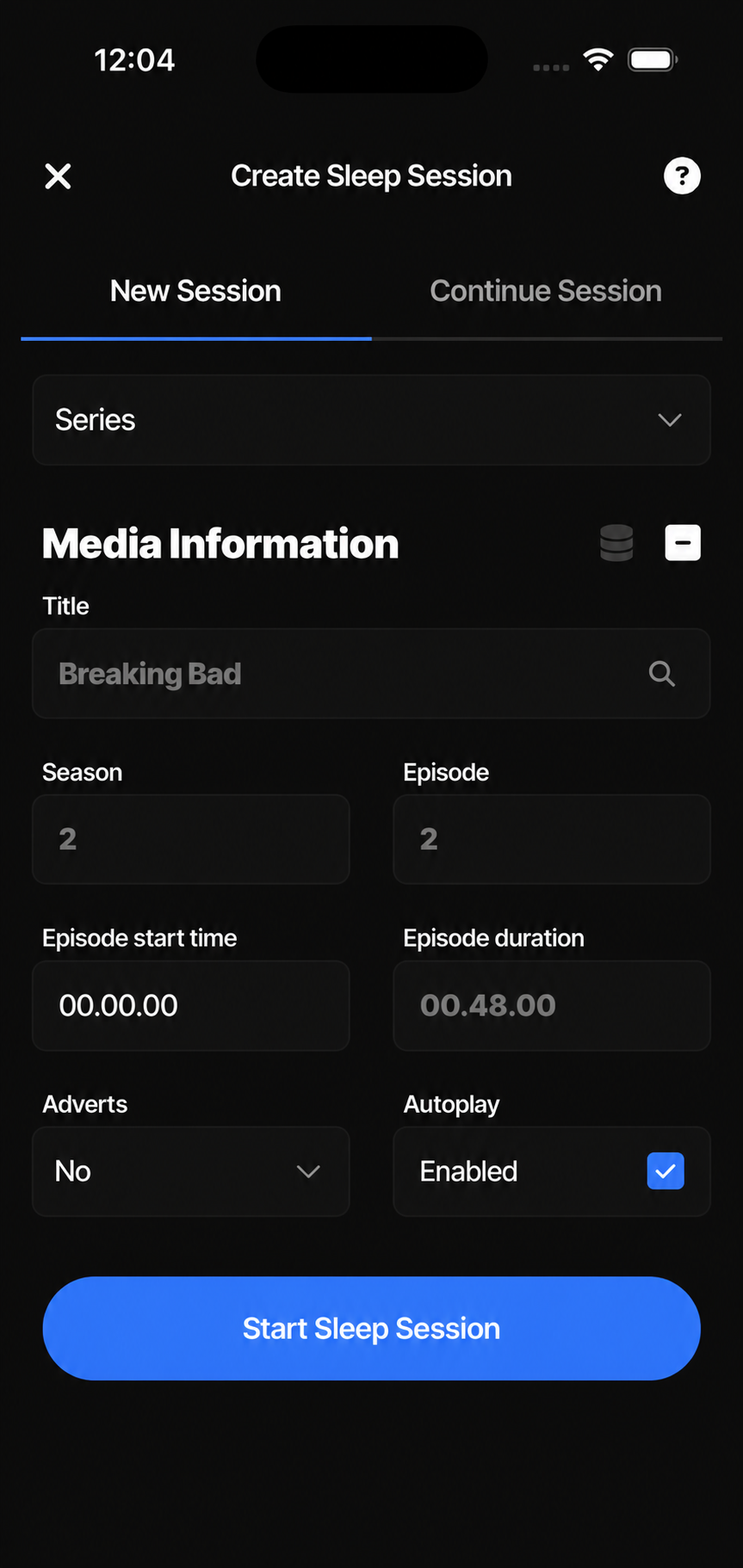
Start a session
Start a sleep session with the media you are watching or listening to.
Drift off while enjoying your favourite media — DozyBlue remembers where you left off.
Available now through Apple TestFlight
Compatible sleep tracker required
DozyBlue is a sleep-aware app that recognises when you drifted off whilst enjoying your favourite media. Whether you’re immersed in an audiobook, catching up on a podcast, or watching films or series, it seamlessly connects with Apple Health to pinpoint your sleep onset, estimate the moment you nodded off, and calculate your media resume window — ensuring you can effortlessly pick up where you left off.
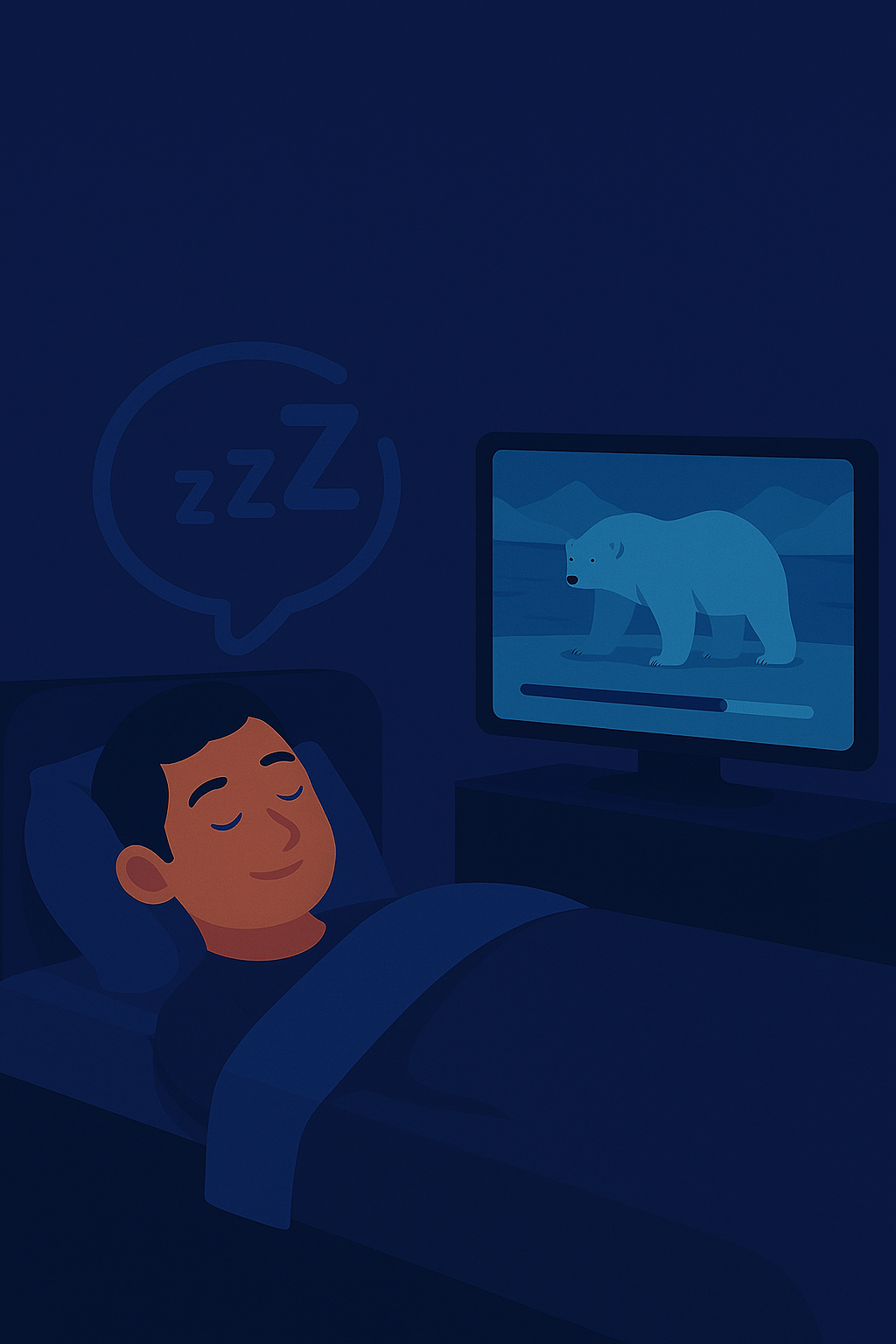
DozyBlue works with sleep tracking devices that sync sleep data to Apple Health on iPhone. If your device records sleep and shares that data with Apple Health, it can be used with DozyBlue. Your tracker records your sleep as normal, and DozyBlue uses the sleep data available in Apple Health to estimate when you fell asleep and suggest where to resume your media.
Start a sleep session with the media you are watching or listening to.
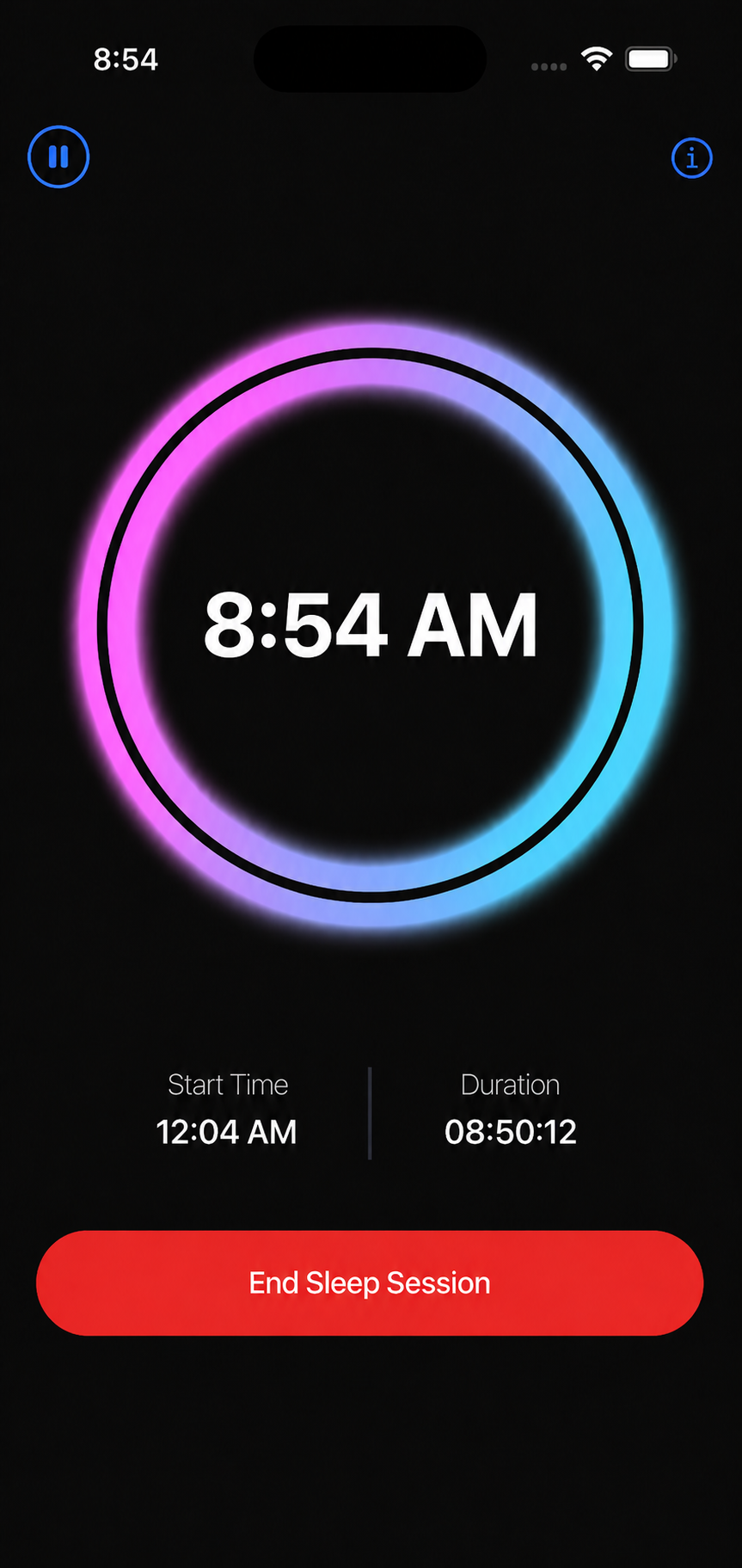
Let DozyBlue run while your sleep tracking device records your sleep in the background.
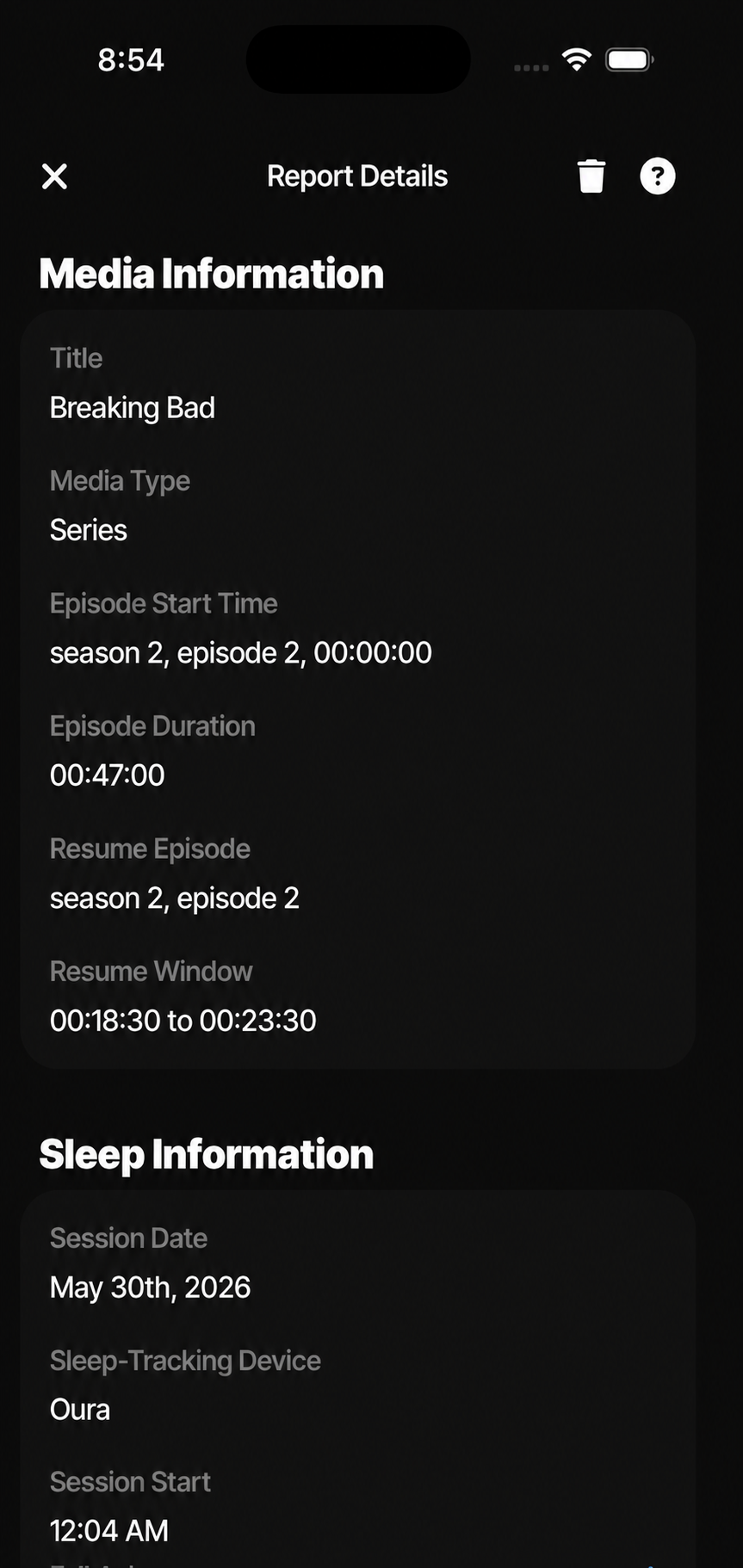
On completion, review your session details and use the suggested resume window to continue where you left off.
DozyBlue estimates when you drifted off using data from your sleep tracking device in Apple Health, then suggests the right place to continue your media.
DozyBlue supports films, series, podcasts, and YouTube videos — with the flexibility to also add audiobooks or any audio/video manually.
DozyBlue allows you to fine-tune how long it usually takes you to fall asleep so resume points feel natural and memorable.
If your media includes adverts, mark them as expected. DozyBlue will ask about them at the end of your session and adjust your progress accordingly.
Autoplaying episodes? DozyBlue will follow the next episode to keep resume estimates accurate across your sleep session.
DozyBlue remembers your previous sleep sessions and pre-fills the details, so you can continue a previous session with just a few taps.
Select what you plan to watch or listen to during your sleep session.
Enjoy your media as you drift off. Your sleep tracking device records your sleep automatically.
DozyBlue reads your Apple Health sleep data and calculates a suggested media resume window.
View your sleep session report and use the suggested resume window to pick up where you left off.
Read more in the Documentation.